
RICREO · Updated
STL, OBJ or 3MF: what to upload
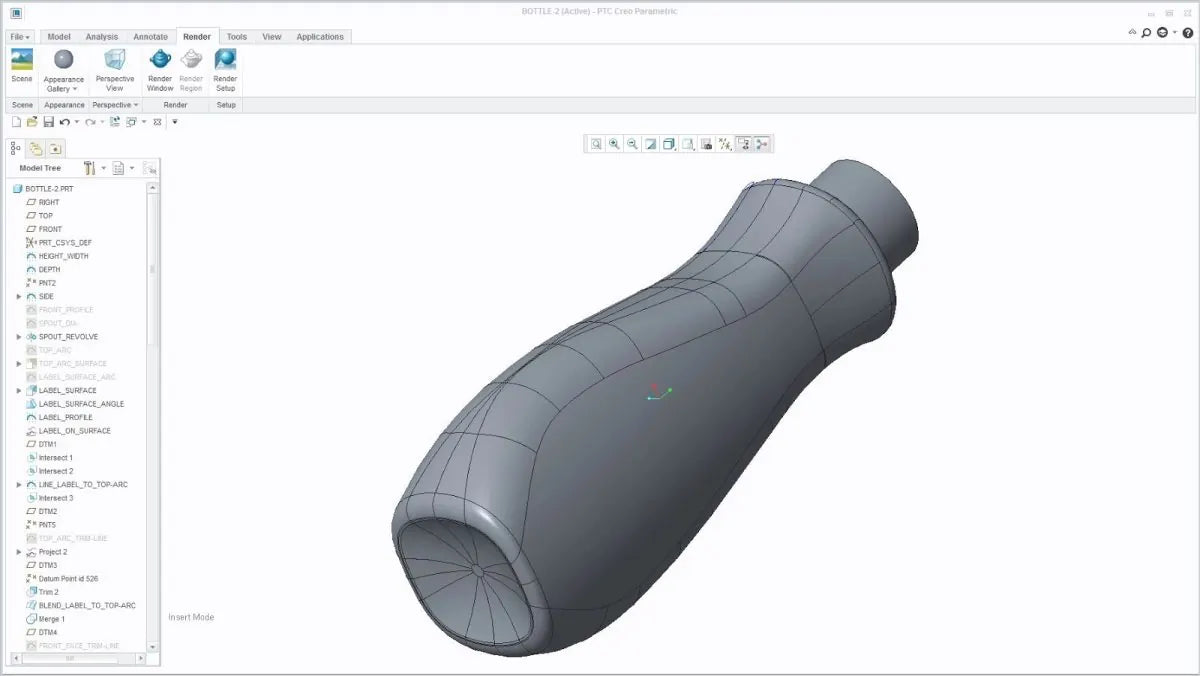
The RICREO quote tool works with STL, OBJ or 3MF files. Export the part revision you want to manufacture and check that its geometry is complete. For an assembly, identify the components and the quantity of each in the B2B request.
If you start from a STEP CAD file or a technical drawing, contact us to assess preparation or modeling. A PDF drawing can communicate dimensions and tolerances, but does not replace the 3D geometry needed for automatic calculation.
Check units, scale and dimensions
Specify the expected dimensions in millimeters and verify at least one known dimension after export. In particular, STL does not define a unit of measurement: an export in inches read as millimeters completely changes dimensions and price.
RICREO’s build volume is 256 × 256 × 260 mm. A part close to these limits also needs an orientation and support assessment. For larger components, ask whether splitting and assembly are compatible with the intended use.
Communicate function and critical dimensions
Identify mating features, insert seats, functional holes and surfaces that must remain visible. Specify loads, temperature and outdoor exposure when relevant. Tolerances should be agreed for the part: a mesh file alone does not describe which dimensions are essential.
The B2B request checklist
A clear file name, such as bracket_rev03, helps avoid confusion between revisions. Include the following information, even when the material has not yet been selected.
- Part code and revision, quantity for each variant and number of parts in the first batch.
- Requested material and color, or function and operating conditions so they can be assessed.
- Drawing with critical dimensions, any inserts, assembly or finishing requirements.
- Requested delivery date, destination and need for an NDA before sharing confidential files.
From the file to the first approved part
For a new run, approving a prototype before the batch can be useful. Compare function and mating features with the drawing, record the approved revision and communicate changes before production. Keeping these references also makes a later repeat order clearer.
Want to run the numbers on your part? Rapid prototyping